

Summarize Content With:
Summary
This blog will become your one-stop to examine the best AI-based appointment schedule features you should find in today’s software. Moreover, by reading this blog, you will come to know how voice AI-based appointment scheduling, an AI call assistant, and intelligent AI booking systems turn out to be a blessing for your business, giving you ample amount of free time.
Key Takeaways
- AI appointment scheduling features, as can be seen, significantly boost the customer experience.
- One of the crucial reasons why the voice AI appointment booking tools gather bookings at such a fast rate is revealed.
- An AI call assistant presents you with ways to save a lot of time and simultaneously increase the answered call rates, making missed calls virtually non-existent.
- There are numerous benefits to utilising AI booking for smooth operation, which this blog presents to you.
Introduction
Just imagine your customer making a call to you at any time, and the AI call assistant instantly replying. In less time than it takes you to blink, the system books appointments, updates your calendar, and sends confirmations. That’s the simple fact of voice AI appointment booking coupled with the latest AI appointment scheduling features.
We live in an era where speed is everything. Customers expect to receive help from human agents quickly. What they want is instant scheduling, reminders, and transparent communication. This is why AI booking tools are transforming the way businesses manage appointments.
It would be a piece of cake to utilise platforms like Botphonic.ai.With the right AI appointment scheduling features, you can easily automate your calls, oversee your bookings, and attend to what matters most:. Your business growth.
Top 12 Features to Look For in AI Appointment Booking Software
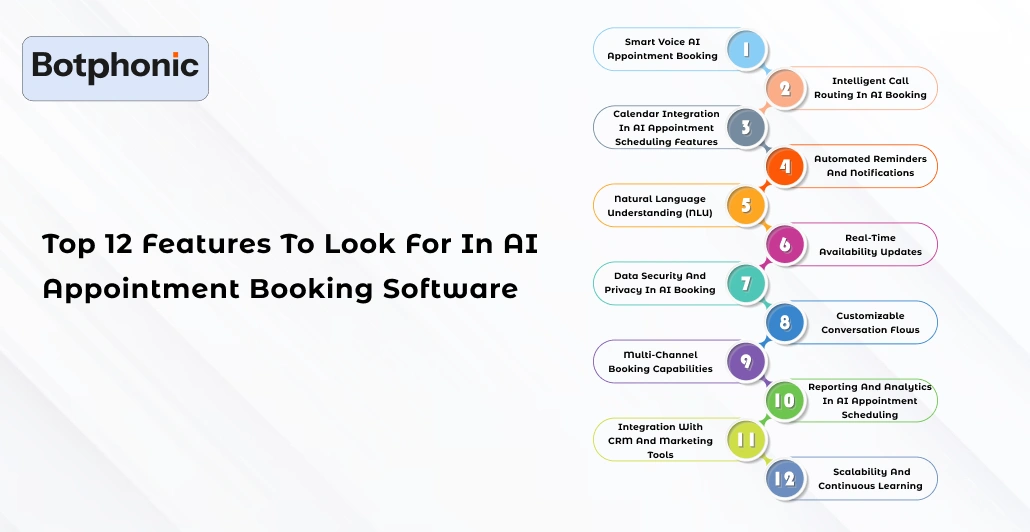
1. Smart Voice AI Appointment Booking
The very first must-have feature is voice AI appointment booking. Customers are allowed to speak casually, just as if they were talking to a human. The AI call assistant processes speech, tone, and intent. Then, it does the booking there and then.
Voice AI appointment booking permits round-the-clock scheduling with no need for manual work. Mankind can be contacted through calls or voice messages at any time. The entire process is quick, uninterrupted, and seamless, much like in the human realm. With the aid of this AI booking system, your business is always a step ahead in harnessing any lead that comes in.
The likes of AI appointment scheduling features not only offer comfort but also build confidence. Customers prefer real-time conversations over dealing with menus or forms, and therefore, the voice-first approach is a win-win, irrespective of the field of business.
2. Intelligent Call Routing in AI Booking
One more AI appointment scheduling feature that should be at the top of the list is intelligent call routing. It simply takes the call to the most suitable person or department. The AI call assistant in your setup determines the caller’s identity and the required service. After that, it directs them smartly. Hence, less confusion and more time are saved.
If you have multiple offices, you can easily manage them using voice AI appointment booking; routing is the key component that makes this possible. The AI booking tool reads the customer’s intention and promptly assigns the tasks or sets the appointments.
No one is ever left on hold, which is great for customers, as it increases satisfaction. It also ensures that the system operates smoothly without any interruptions or delays.
3. Calendar Integration in AI Appointment Scheduling Features
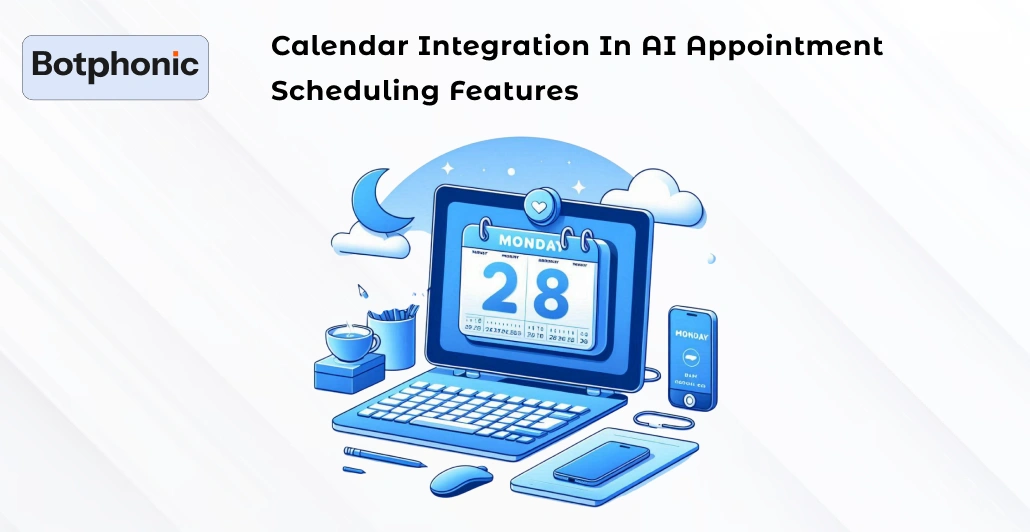
Your AI appointment scheduling features must integrate with Google Calendar, Outlook, and other similar applications. Integration is the key factor that prevents double bookings.
Connected AI call assistant in real-time syncs all appointments. When customers book an appointment through voice AI, your calendar is updated immediately. Booking systems help reduce manual data entry and errors. This way, you are always the master of your schedule.
4. Automated Reminders and Notifications
Missed appointments not only cause frustration but also result in financial losses. A great major part of AI appointment scheduling features is, therefore, automated reminders. The AI call assistant automatically initiates voice, SMS, and email reminders. Using voice AI appointment booking, the place of attendance can be confirmed, and rescheduling can be done promptly.
Through AI booking, reminders reduce no-shows by up to 40%. According to HubSpot, sending reminders on time increases attendance rates by 34%.
This feature keeps your clients engaged and is the last resort for them to forget about their slots.
Benefits of AI Appointment Scheduling Features
| Feature | Benefit |
| Voice AI Appointment Booking | 24/7 customer access |
| AI Call Assistant | Faster responses |
| Smart Calendar Sync | No double bookings |
| Automated Reminders | Fewer no-shows |
5. Natural Language Understanding (NLU)
It is necessary that your AI call assistant be able to comprehend human language as it is normally spoken. NLU is responsible for that. It basically makes voice AI for appointment booking to be as human-like as possible.
Clients, for example, can say, “Schedule a haircut for Friday afternoon,” and the AI booking system will promptly grasp the idea of the talk without delay. NLU is a helpful tool that allows your business to become more customer-friendly and efficient. The AI appointment booking technology that is powered by NLU seems to be more advanced. Also, it can deal with slang, accents and informal phrases without making a mistake.
When your assistant understands the customer’s point of view correctly, then customers will be treated like kings.
6. Real-Time Availability Updates
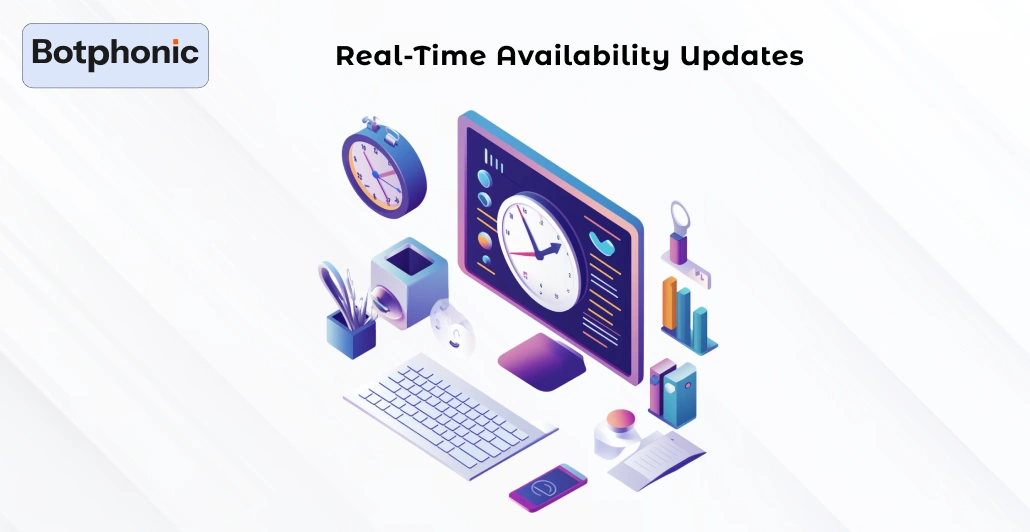
There is nothing that customers dislike more than waiting for updates. The case of real-time availability as one of the most important features in AI appointment scheduling is therefore quite clear. Basically, AI booking will update your schedule right after every call, and it will be done quite fast. The AI call assistant will immediately let clients know about their available slots.
This level of familiarity is what produces customer loyalty. This is a call for the tech people to install voice AI appointment booking so that customers are always given a plus one step ahead.
7. Data Security and Privacy in AI Booking
Security is the rock on which trust is built. The AI appointment scheduling features that you are about to select must suffice to protect the privacy of client data. It is essentially very good if your AI call assistant implements an encryption technology that makes it impossible for any unauthorized party to have access to your data. Voice AI appointment booking systems are the ones that very often have to deal with the most sensitive human data. As such, the issue of privacy cannot help but come first.
As a result, customers will be more willing to share their information with you, provided that your AI Booking procedure is trustworthy. This mutual trust is the basis for long-term relationships.
Learn more: AI Appointment Scheduling Explained Simply
8. Customizable Conversation Flows
Conversation patterns should be adaptable and reflect the individuality of each company. It is recommended that the AI assistant for appointments be fitted with customizable conversations to match the user’s needs.
An adjustable AI phone assistant is instrumental in making responses that fit the brand. The example of voice AI booking would talk about making the conversation more friendly by letting you set up the greetings or follow-up questions.
The customer flow through tailor-made AI interactions keeps them feeling valued, and the exchange is as warm as usual. At the same time, the same empowering strategies could be utilised to turn clients into buyers or collect their feedback in a non-intrusive manner.
9. Multi-Channel Booking Capabilities
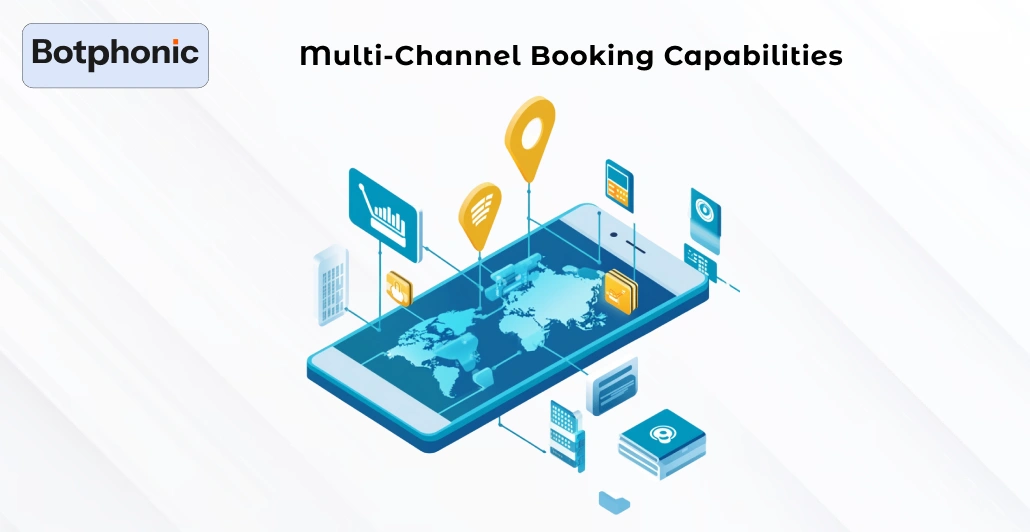
People always want an alternative. So it is natural that a perfect AI booking system should be capable of supporting not only phone calls but also chats and even website scheduling. Technologies like voice AI appointment booking, for instance, are excellent for users who prefer the phone; however, implementing chat and online scheduling offers users an extra edge of flexibility.
The AI call assistant needs to be competent in all-hands operations, that is, switching from one channel to another without breaking the wire. In this way, the features will be available even when the customers change their point of contact. The benefits of having options are loved by customers, and the efficiency of businesses through automation is equally loved.
10. Reporting and Analytics in AI Appointment Scheduling
The basis for improvement is data. With the help of reporting tools, the AI appointment booking features can give visuals of booking trends and patterns. The AI call assistant you are using could report the times that are most active, the number of returning clients, and the rate of answers.
Voice AI appointment booking also serves as a great tool to gather customer satisfaction data. You can then use this AI booking data to make better use of your staff’s time and get more sales.
11. Integration with CRM and Marketing Tools
Not to mention that your AI appointment scheduling functionalities should definitely interact smoothly with your CRM. When customer data logging through an AI call assistant is done without hassles, your marketing flow naturally becomes smarter.
Voice AI appointment booking is also compatible with CRM tools to have an easy lead tracking process. This AI booking system is the one helping with the follow-ups and reminders schedule that every customer receives.
12. Scalability and Continuous Learning

The AI booking system that is yours should be able to grow along with your business. With machine learning, on-demand scheduling features that are powered by AI adjust as per requirements that keep changing.
The AI call assistant gets updated with information from every talk. The time that Voice AI appointment booking needs to become more reliable and to be able to carry out more complicated tasks is gradually reduced, thanks to the continuous learning process that it is undergoing.
Scalability, in combination with you, can either be there to enable you to handle sporadically large numbers of bookings or help you manage the hundreds or thousands of bookings without the stress of losing control.
Don’t continue going through the hassle of manual appointment juggling when you have a better option available. Try the AI appointment scheduling of Botphonic.ai and be amazed at how your output level can shoot up.
Try Now!Conclusion
The whole thing completely changes when you select the right AI appointment scheduling features as your first step. From voice AI appointment booking to intelligent routing, every feature counts.
The presence of a smart AI call assistant implies that your business will always be there for the customers just like that, i.e … 24/7. AI booking tools like those from Botphonic.ai are the ones that help you to gain your customers’ trust, save
