
Summarize Content With:
Summary
In this blog, we will discuss how AI phone call automation uses intelligent voice technology to answer and manage calls 24/7. It enables teams to acquire more leads, book appointments, and respond to customer inquiries without having to hire additional staff.
Introduction
Never miss a call again, even after hours. For small businesses in the United States, a missed call can spell a lost customer. In fact, 47% of consumers hang up when calls go to voicemail, opting for your competitors from frustration instead of leaving a message.
AI phone call automation for small businesses flips that on its head by answering phone calls instantly, directing your customers where they need to go, and getting meetings scheduled right away. As AI call automation trends evolve, companies are also using automation to reduce AI customer churn USA by ensuring every customer interaction is timely and helpful.
What Is an Automated Phone System for Small Businesses?
AI phone call automation for small business: decoding. This involves using software to listen, comprehend, and reply to callers the same way a human being would do it, minus a human answering the phone. This system takes calls full-time, routes questions, captures caller info, and even does such duties as booking or transferring calls.
Instead of being sent to voicemail or having callers wait, the automated phone system listens and guides right away, enhancing customer experience as well as business productivity.
Keeping up with AI call automation trends ensures businesses stay competitive in customer communication.
Why Small Businesses Struggle With Phone Calls
- Missed Calls Cost Customers: It’s easy for small teams to get caught up in it. When calls are left to ring or go unanswered, prospective businesses hang up and don’t come back. This is where AI phone call automation for small businesses comes in, ensuring calls are answered 24/7 through automation.
- Limited Staff Availability: It’s expensive to staff a full-time reception. It can be particularly difficult for small businesses to justify the expense of being staffed with a receptionist, especially at night or on weekends. An AI system provides this 24/7 at a fraction of the cost.
- Inconsistent Customer Experience: Even human receptionists differ in skill and attentiveness. Details missed, slow responses, and parts of the scripts delivered differently have implications for privacy and clarity. Automated campaigns are consistent every time and follow a known flow.
- Time Lost to Manual Tasks: Teams lose hours by addressing simple calls instead of concentrating on revenue-generating activities. Small Business AI phone call automation removes mundane phone work from the plate of your team, freeing them up to focus on high-value activities.
How AI Phone Call Automation Solves These Problems
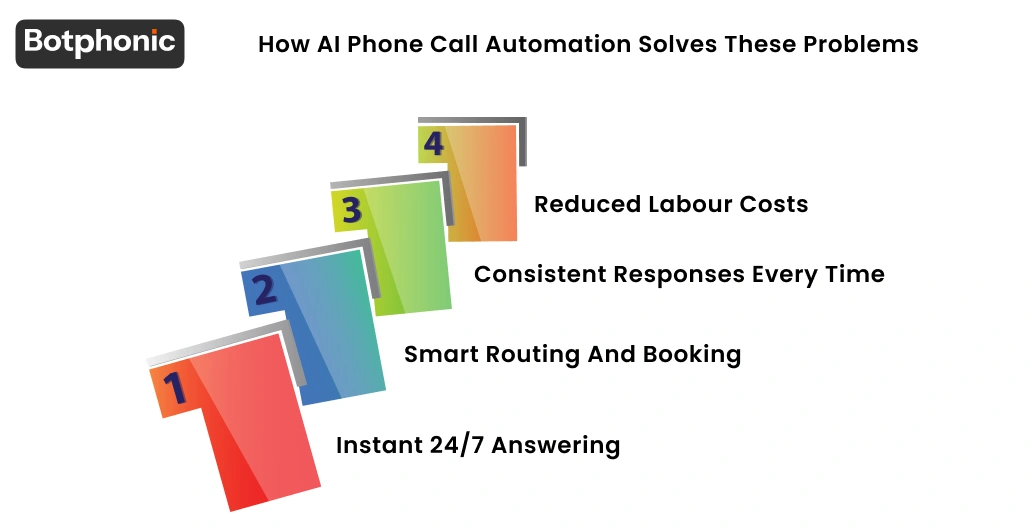
- Instant 24/7 Answering: AI phone call automation for small businesses automatically answers calls anytime, day or night, so that all customers receive help promptly, 24/7 or on weekends.
- Smart Routing and Booking: More sophisticated systems can schedule appointments, forward calls, direct questions to the right person, and even log customer information. This results in an efficient experience for the caller.
- Consistent Responses Every Time: An AI call assistant sticks to the script, and comprehension doesn’t matter, providing consistent, clear responses that promote customer confidence and establish professionalism.
- Reduced Labour Costs: Unlike a person you might hire to answer phones, there is no time off for the automated phone system; it doesn’t take breaks or lunch hours. That saves money and still improves responsiveness.
What is an Automated Phone System for Small Businesses?
An automated phone system for a small business is not just an automated answering service that performs the task of a live receptions but it also participates as one of the major AI call automation trends, that benefits industries. Rather than ringing and ringing or going straight to voicemail, this system answers the phone and figures out why a caller is calling before routing it toward the proper option. Today, such systems use AI to speak casually over the phone with customers booking appointments and taking down contact information.
This arrangement is time-saving and also helps callers know what to expect. Combined with AI phone call automation for small businesses, these systems can feel as competent as a human assistant without the expense.
Core Features of an Automated Phone System
| Feature | What It Does |
| Interactive Greeting | Welcomes callers and sets expectations. |
| Speech Recognition | Let callers speak naturally instead of using button menus. |
| Call Routing | Sends callers to the right team or action. |
| Appointment Scheduling | Book meetings directly on your calendar. |
How Automation Improves Call Flow and Caller Experience
Automation ensures every phone call is sharp, fast, and friendly. Rather than long menus or hold music, callers will hear a natural introduction and then be asked questions that lead them to the correct outcome. This minimises frustration and enables callers to resolve their requirements more quickly.
In AI phone call automation for small businesses, the system is able to adjust to whatever a caller says and follow up with questions that confirm choices before proceeding. This increases accuracy and helps callers feel heard and appreciated.
Why Small Businesses Prefer Automation Over Hiring More Staff
Smaller groups cannot always hire a receptionist full-time. And even when they do, training is time-consuming, and workers can drop calls if they are busy. Small business AI phone call automation never takes breaks, vacations, or sick days. Call quality is consistent and reliable.
Automation also grows with your business. You don’t have to hire more people just because your phone lines are busy. This maintains your pricing while improving customer service.
Understanding AI Call Assistant Technology
An AI call assistant employs sophisticated software to answer and handle telephone calls. It listens to what callers say, tries to figure out the meaning, and has prepared responses. Rather than static button-press menus, it speaks in a human-like manner, asks follow-up questions, and provides answers.
It is based on NLU and real-time processing. It can be used to schedule appointments, route calls, log information about callers, and even answer frequently asked questions. By going with AI phone call automation for small businesses, the users of your service receive smart, fast phone support that requires no waiting or being distracted by other things in their environment.
What Is AI Receptionist Software
AI receptionist software serves as a virtual front desk for your phone calls. It automatically picks up every call, greets callers with a custom greeting message, and inquires how it can help the caller. It then acts by booking appointments, taking messages, or connecting the caller with the appropriate team member.
Unlike a live receptionist, an AI-powered receptionist doesn’t get tired, doesn’t forget, and doesn’t miss out on any calls. When combined with a.i. Phone call automation for small businesses is an end-to-end software that guarantees quality throughout and allows you to manage more calls with minimal effort.
 PRO TIP
Key Features of Small Business Call Automation
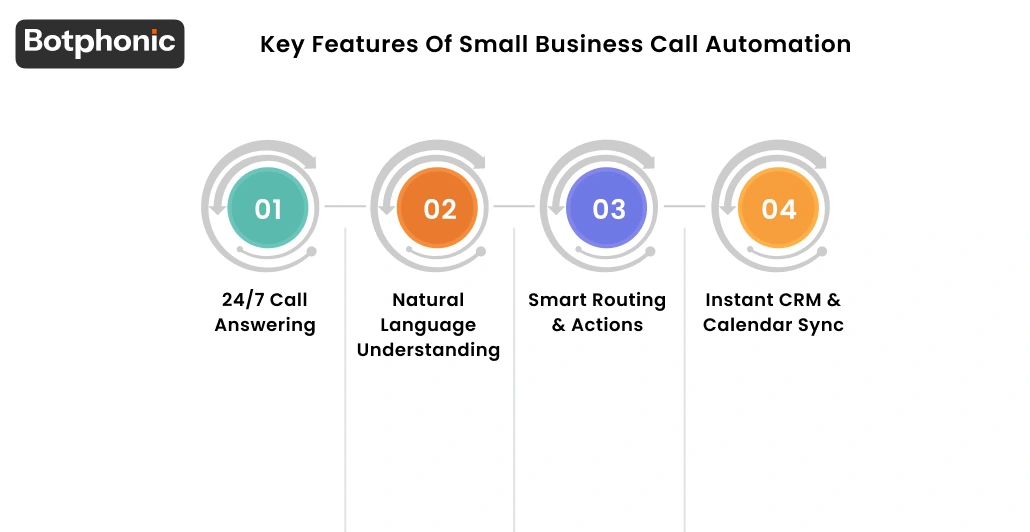
- 24/7 Call Answering: With AI phone call automation for small businesses, your business never has to miss a call after hours. What this means is you convert more leads and get back to every caller immediately.
- Natural Language Understanding: Callers talk the way they want, no configurations or cryptic menus. The AI reads what they’re saying, responds, and brings the perfect solution faster.
- Smart Routing & Actions: Whether a caller is looking to schedule an appointment for service or has a question for a staff member, the system takes care of it. AI phone call automation for small businesses. Autopilot your calls and appointments from a website or billing software. Easy setup without code. AI chatbot in all locales. Accepting payments by phone is really simple.
- Instant CRM & Calendar Sync: The system integrates with your existing software to log caller information, schedule meetings, and ensure everything remains current. It cuts down on extra work and helps you maintain cleaner customer info.
Industries That Benefit Most From AI Phone Call Automation
- Medical & Dental Offices: These routines generate numerous appointment requests, cancellations, and reminders. Answer Force AI phone call automation for small businesses pushes all these mundane tasks and automates them while your staff focuses on patient care. Automation handles appointment-related AI phone calls efficiently.
- Legal & Consulting Firms: Lawyers and consultants often take calls while doing billable work. Automation responds to inquiries and schedules consultations without interrupting the flow of their days.
- Home Services & Contractors: Plumbers, electricians, and cleaners, as well as businesses of that size, all over the country get phone calls like that all day long. An IVR system assists with scheduling assignments, validating locations, and fielding hot calls in real time.
- Retail & E-Commerce: Humans who are part of the retail team use automated phone systems to answer questions about their products, track orders, and process returns. Small business artificial intelligence phone call automation solutions keep customers happy and supported.
 NOTE
NOTE
How AI Phone Call Automation Improves Customer Experience
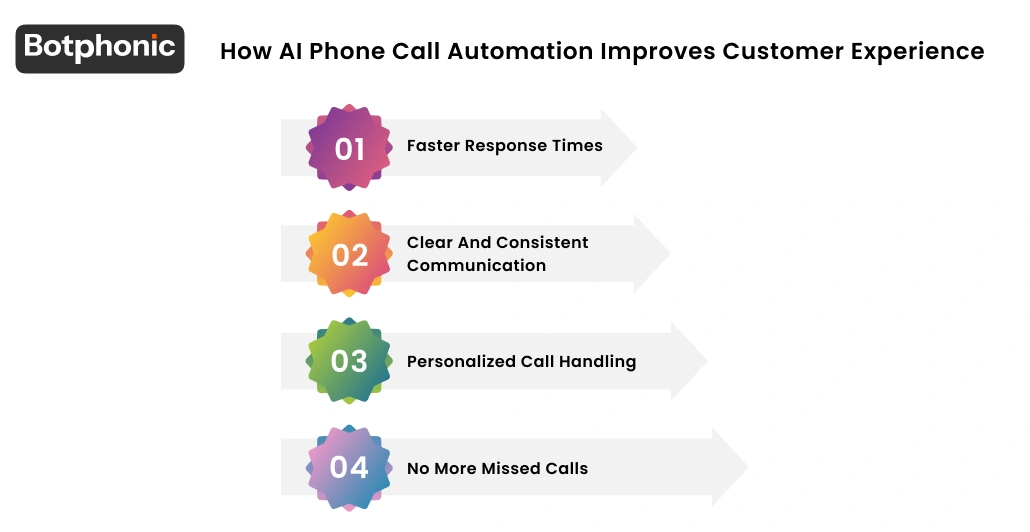
- Faster Response Times: Small business AI phone call automation can pick up calls immediately. Now, callers don’t sit and wait on hold or listen to ring after ring. This early response helps customers feel like they are valued and heard from the moment of the call.
- Clear and Consistent Communication: Every caller gets the same crisp greeting and valid information. Small business AI phone call automation adheres to a script, so customers can be assured of the most accurate answers possible.
- Personalized Call Handling: Contemporary AI systems understand users’ intent and its corresponding response. Small business AI phone calls can welcome back repeat callers, verify appointments, and direct them to what they need.
- No More Missed Calls: Missed calls often result in lost business. Artificial Intelligence Phone Call Automation Artificial intelligence automation for phone calls means that each and every call is answered, regardless of whether it’s during peak hours or after work.
Cost Benefits of AI Phone Call Automation for Small Businesses
Small businesses and AI phone call automation combine for excellent cost control and better service. And rather than laboring under hourly wages or overtime, businesses pay a fixed monthly cost. That helps keep costs stable and easier to plan.
- Reducing Staffing and Training Costs: Reception staff must be paid, onboarded, and trained. Artificial intelligence phone call automation for small businesses gets rid of these expenses because it can answer calls automatically right from the get-go. The method is an end-to-end system; it does not take any kind of break during the process, and no retraining occurs. This is cost-effective and management effort-saving.
- No more lost income due to missed calls: Missed calls can also result in missed leads and bookings. AI phone call automation for small businesses ensures you don’t miss out on any opportunities by answering every call and directing all callers through the next step.
- Steady Monthly Fees Versus Hourly Employees: Hourly staff expenses fluctuate based on schedules, overtime, and employee turnover. AI phone call automation for small businesses is available in exchange for fixed monthly payments, which facilitates budgeting.
This predictability allows small businesses to plan growth without unexpected costs.
How to Choose the Right AI Phone Call Automation Tool
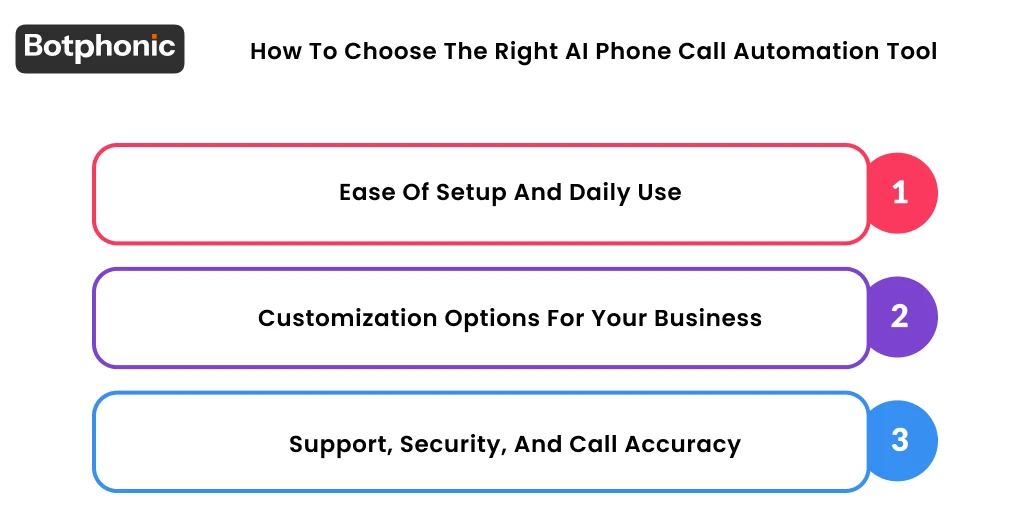
Selecting the right tool is critical for a smooth setup and long‑term success. AI phone call automation for small businesses should be intuitive and dependable from the very start.
1. Ease of Setup and Daily Use
A great system is easy to set up without any technical work. Small business AI phone call automation should allow quick script updates, easy call flow changes, and simple dashboard access.
2. Customization Options for Your Business
Every business handles calls differently. AI-driven phone call automation for small businesses should be flexible with personalized greetings, call flows, and actions in line with your day-to-day. An AI receptionist should adapt to your business needs.
3. Support, Security, and Call Accuracy
Dependable support is crucial as you take on customer calls. AI phone call automation for small businesses needs to be centered around robust data protection, a clear understanding of calls, and available technical support.
Stop missing calls and losing customers; let Botphonic handle every conversation instantly.
Try Botphonic AI Now!Final Thoughts
AI phone call automation for small businesses helps teams remain responsive, organized, and focused on growth. It takes the heaviness of answering every call off their shoulders while also leaving customers feeling heard and supported. Because with the right approach, automation is a quality-improving service, not a workload or cost bump.
As customer demands continue to increase, small businesses that employ smart call automation remain competitive and can be counted on. Starting earlier means you can work on adding the necessary level of call experiences and preserving your revenue as your business scales.
