
- Turn Gmail Into a Live Engagement Feed
Real-Time Tracking for Gmail
Receive instant notification the moment your prospect interacts with your email and make timely follow-ups
<2s Real-Time Alerts
3X Faster Follow-Ups
2K+ Happy Users
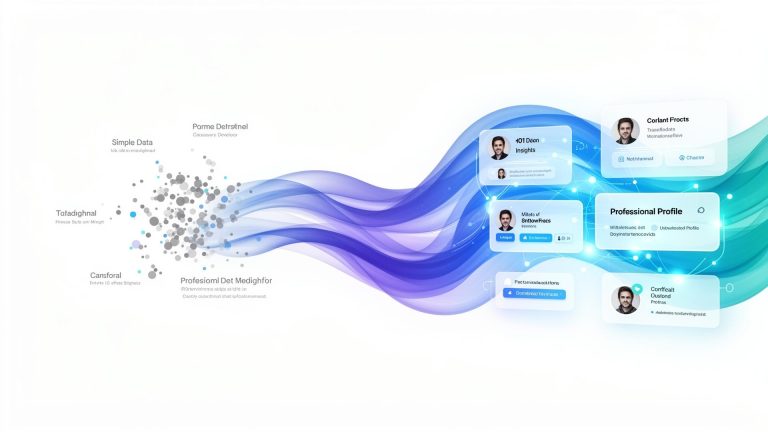
How Real-Time Gmail Tracking Works
To enable real-time Gmail tracking, the goal is simple and easy, just ensure to detect the engagement the moment it happens and notifies you instantly.
Track Every Email
Send email with a tracker embedded in it and it runs quietly in the background. Every open, click, and interaction is captured
Detect Opens in Real Time
The moment your prospect opens the email, it’s detected and you can see live engagement, repeat opens, and active interest
Get Alerts in Real Time
Get notified the second engagement happens and at fast, follow-up smarter and stay one step ahead with quick alerts
- See Engagement. Take Control
Know Exactly How Your Emails Perform
The right features turn basic tracking into actionable intelligence. Start acting faster and do instant follow-up with confidence
Instant Open Alerts
Know when your emails are opened in seconds. Instant alerts enable you to act quicker and better
Live Click Tracking
Track when links are clicked and even if they are revisited, see which links have sparked interest
Multi-Open Insights
Detects repeat opens to identify engagement intent, as multiple opens often show interest
Timestamped Activity Logs
Every open and click is logged with a timestamp, so you can build a clear timeline of engagement for smarter follow-ups and data-driven insights
Seamless Gmail Integration
Work actively with Gmail without changing your workflow, the tracking runs quietly in the background while you only have to focus on closing deals
- Deep Dive
All Your Email Activity. One Simple Dashboard
Keep an eye on prospects’ actions, act instantly, and make every follow-up count, all from a single placeEvery feature is designed to give you the insights you need to close more deals and build better relationships
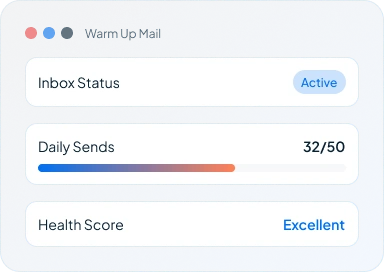
Effortless Gmail Tracking
Easily switch tracking on or off with a single toggle in the chrome extension. See opens and clicks directly without requiring any extra apps or confusing setups.
Manage Multiple Mailboxes Seamlessly
With a single account, manage multiple Gmail inboxes. Switch between accounts easily and track every email without logging in and out.
Instant Desktop Notifications
Get push alerts the moment your emails are opened or links are clicked, you stay on top of engagement without refreshing your inbox.
Accurate Open & Click Counts
See exactly how many times recipients are opening your email and clicking links. Understand engagement patterns that help you refine your outreach strategy..
Complete Prospect Activity History
Access a detailed timeline of all recipient actions, export logs, spot trends, and focus effortlessly on the emails that actually get results.
- Real-World Use Cases
Email Engagement That Drives Results
Whether you’re closing deals, hiring talent, or building relationships, email tracking gives you the edge
Customer Success & Support
Respond while the customer is actively engaged with your mail to prevent confusion and get higher satisfaction, with proactive issue resolution
Recruitment & Job Applications
Send follow-up when it's time, with real time insights you perform outreach perfectly and have more interviews while increasing response rates.
Event Invitations & RSVPs
Knowing who has interacted with your invites helps you follow up with genuinely interested attendees having better attendance rates.
Freelancers & Consultants
Track client engagement on proposals and performing timely follow-ups enables faster project approvals and timely payments.
Works With Your Favorite Tools
Install once and it works everywhere. No complicated setup required.
Frequently Asked Questions
How can I enable real-time email tracking in my Gmail account?
Gmail doesn’t actually offer built-in real-time tracking for sent emails. You might need a third party tool or extension. These assist you by embedding invisible pixels in your email which notifies you when email is opened.
How to know if a sent email has been opened?
There are two approaches that can help you. First is a read receipt that’s designed for Google Workspace only and another is email tracking tools that embed tracking pixels and it helps you by notifying.
Where can I download an email tracking extension for Gmail?
You can opt for a Botphonic email tracking system from the Chrome web store.
How do email trackers actually work?
Many tools use tracking pixels, that’s an invisible image that loads when it’s opened. And another tracked link that logs clicks via redirect URLs.
Does email tracking work on mobile?
Many tools do but only with caveats, works only if images are able to load automatically, iOS mail privacy protection might even mask opens, and lastly results might just be inflated or inaccurate.
Why does tracking show multiple opens?
The common reasons for the same are as follows
- Email opened on multiple devices
- Image auto-refresh
- Security scanners “pre-opening” emails
Does tracking work in Incognito mode?
Usually it doesn’t work as extensions don’t actually run unless they are explicitly allowed.
Can I remove tracking after sending an email?
Not actually, once it’s set out for sent, you can’t just decide to un-track it. You can only make changes before actually sending mail.